
Coarse Bitmap
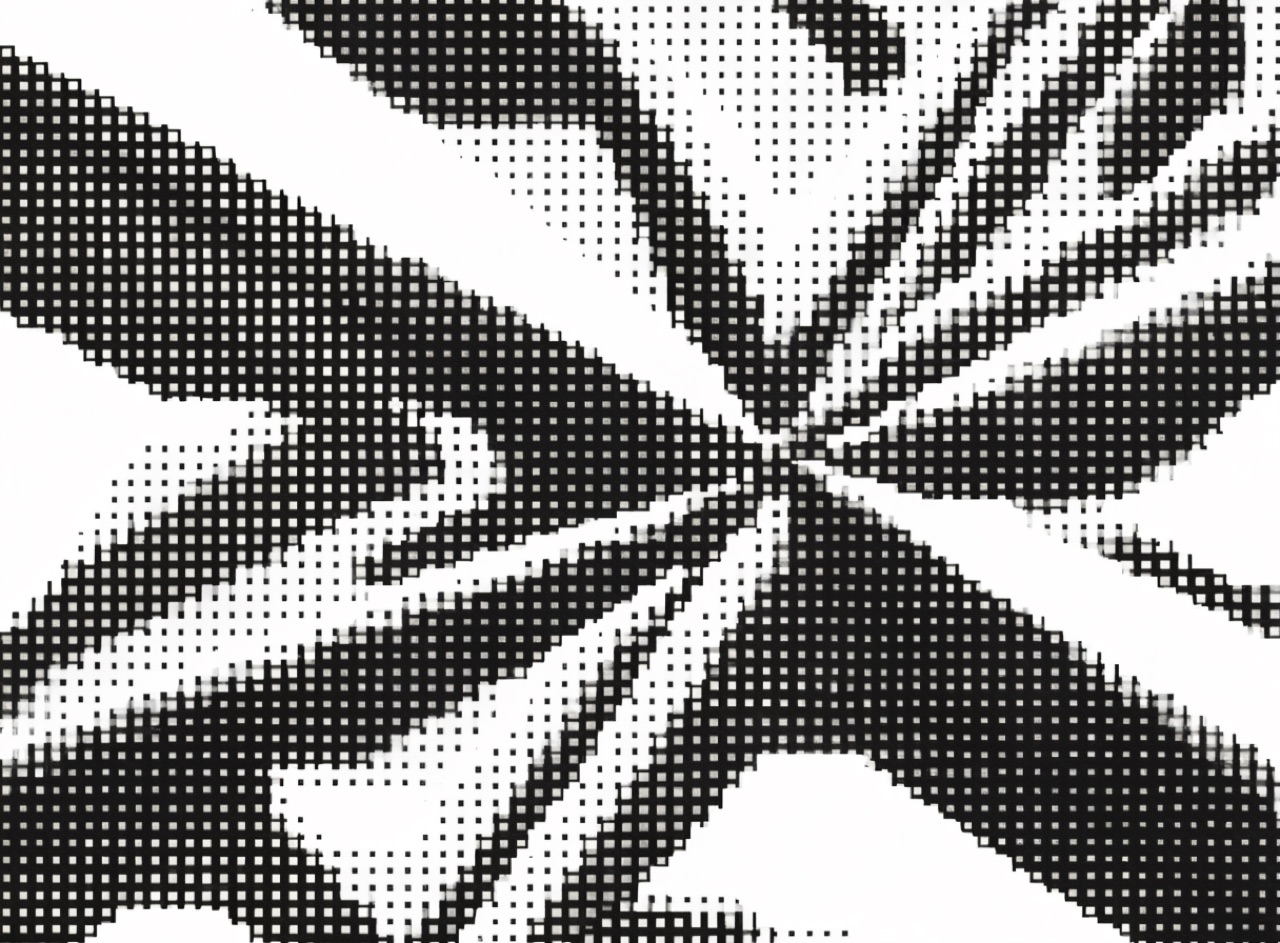
One-bit dithered pixels at a size where the grid is unmistakable, as early Macs forced.
What it does
The 1984 Macintosh screen was 512 by 342 pixels, one bit deep, so every tone had to be dithered. Susan Kare drew the system icons within that constraint and April Greiman made the coarseness a subject rather than a limitation in Design Quarterly 133. The look depends on an honest pixel grid: the dither pattern must be regular, the pixels square and aligned, and there must be no antialiasing at all. Any soft edge breaks it immediately.
The prompt
Replace [Subject] with what you are shooting. Everything else is deliberate: the gear, stock and lighting are what push a generator towards this look.
Works well in
Midjourney, FLUX, Stable Diffusion
Pairs with
Memphis / PostmodernCoarse Halftone
The Prompt Atlas
Every prompt here is a starting point. The Prompt Atlas is the full system: hundreds of production-ready prompts organised by outcome, with the reasoning behind each one so you can adapt rather than copy.