
Generation Loss
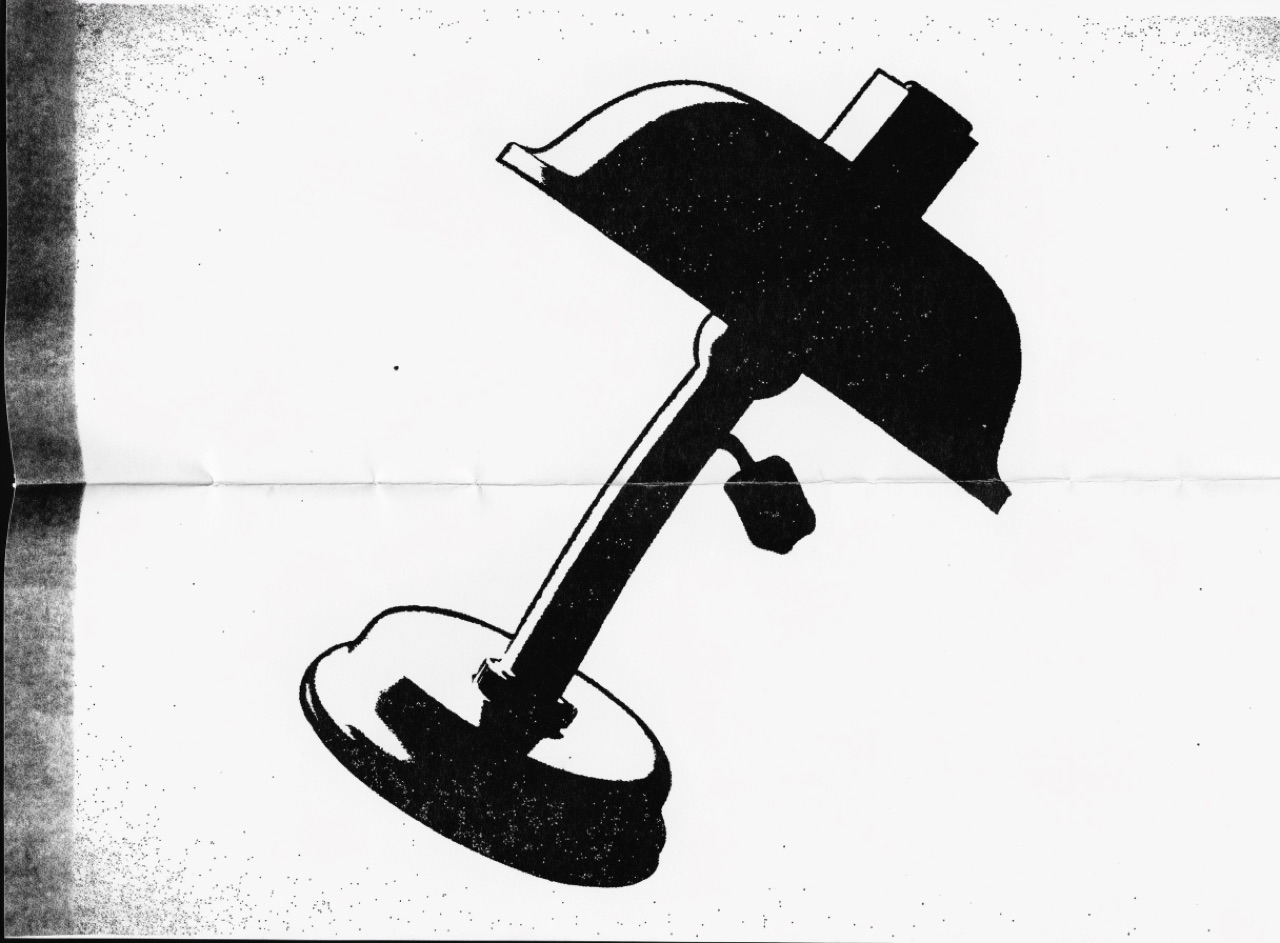
An image copied from a copy from a copy, until contrast collapses to black and white.
What it does
Each photocopy generation raises contrast and drops midtones. By the third or fourth pass a photograph is pure black and paper, edges have thickened, fine text has filled in and toner speckle has appeared in the margins. Zine culture used it because it was free; the look has since been adopted deliberately. The tell of a fake is uniform degradation, because real generation loss is uneven, worse toward the edges of the platen and around the fold of anything copied from a bound page.
The prompt
Replace [Subject] with what you are shooting. Everything else is deliberate: the gear, stock and lighting are what push a generator towards this look.
Works well in
Midjourney, FLUX, Stable Diffusion
Pairs with
Punk Xerox Cut-UpCoarse Halftone
The Prompt Atlas
Every prompt here is a starting point. The Prompt Atlas is the full system: hundreds of production-ready prompts organised by outcome, with the reasoning behind each one so you can adapt rather than copy.