
Dot Gain
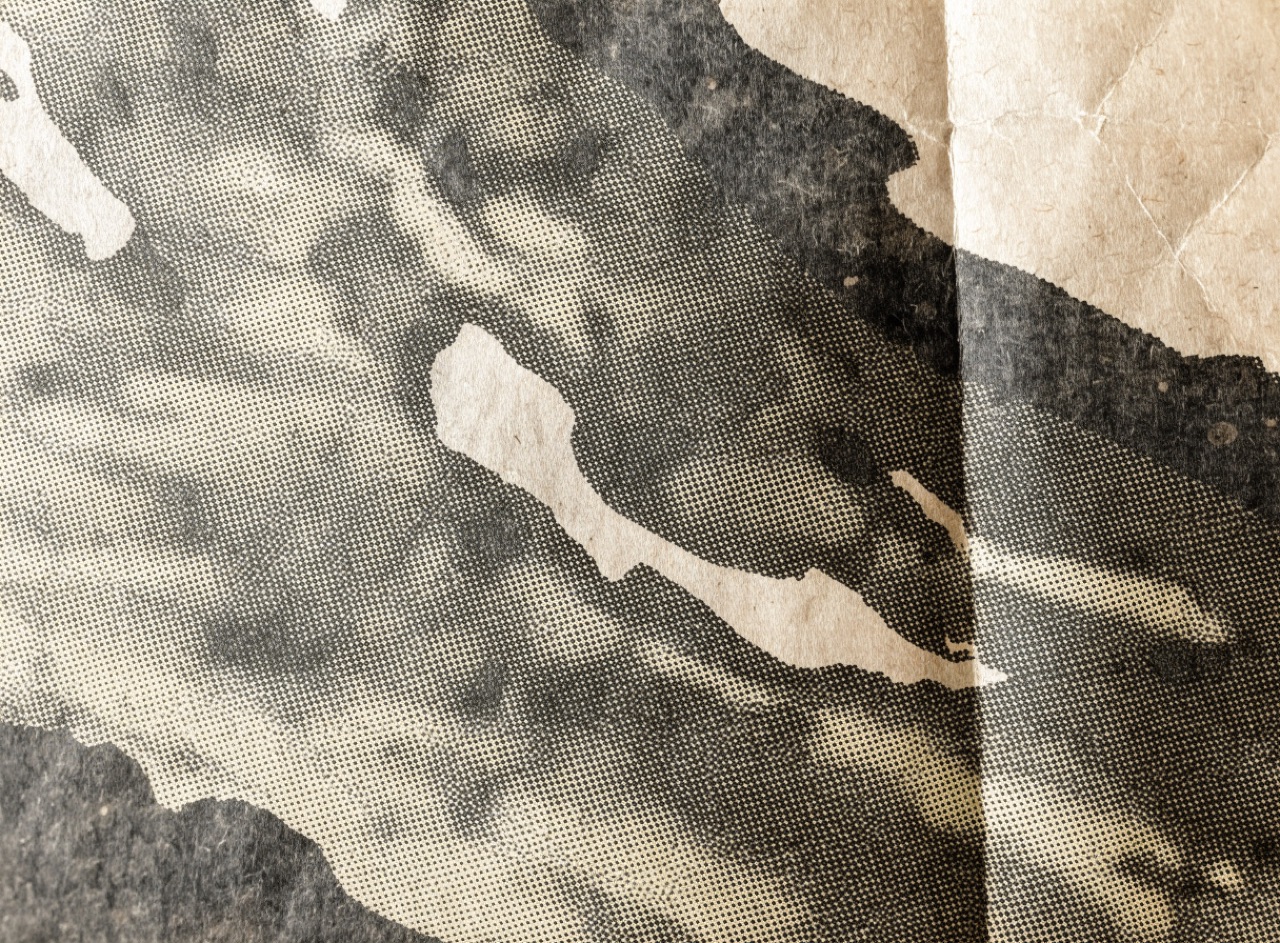
Ink spreading into absorbent paper so every dot prints larger than it was made.
What it does
On uncoated or newsprint stock, ink wicks into the fibre and a 50 percent dot can print at 70, so images print darker and muddier than the file. Experienced printers compensate in the separation by lightening the midtones. Reproducing an image without accounting for it is the single most common reason a digital mock-up looks nothing like the printed result, and reproducing the effect deliberately is what makes generated imagery read as genuinely printed.
The prompt
Replace [Subject] with what you are shooting. Everything else is deliberate: the gear, stock and lighting are what push a generator towards this look.
Works well in
Midjourney, FLUX, Stable Diffusion
Pairs with
Coarse HalftoneCMYK Misregistration
The Prompt Atlas
Every prompt here is a starting point. The Prompt Atlas is the full system: hundreds of production-ready prompts organised by outcome, with the reasoning behind each one so you can adapt rather than copy.