
Technical Drawing
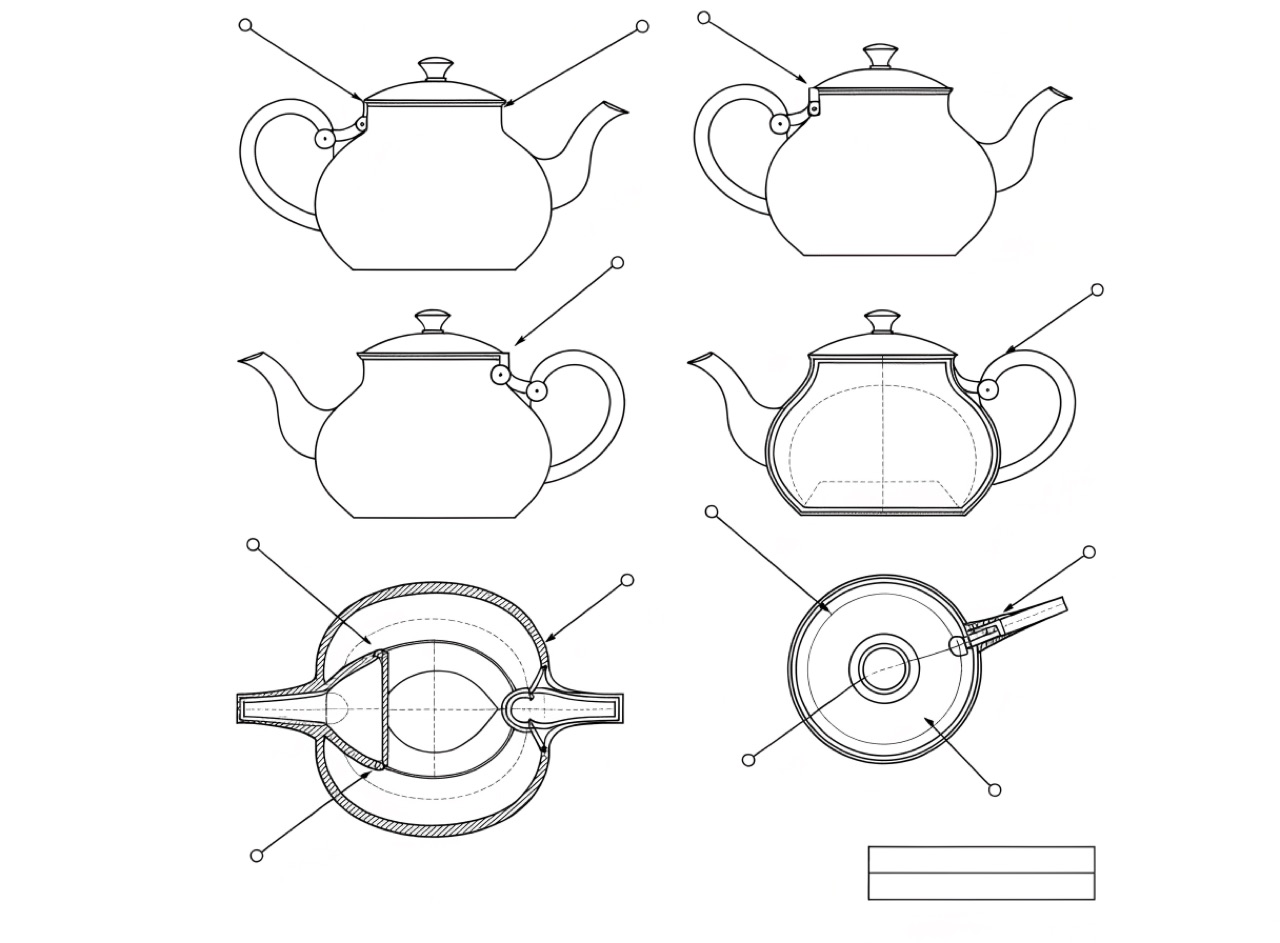
Orthographic line work with leader lines and callouts, drawn to explain rather than to impress.
What it does
The patent drawing and the exploded parts diagram follow strict conventions: uniform line weight for edges, thinner for hidden detail, no perspective in orthographic views, hatching to indicate section. Otto Neurath's Isotype pushed the same clarity into information graphics. The convincing details are the small ones, leader lines that never cross, numbered callouts in a consistent size, and a title block in the corner. Shading or drop shadow destroys the effect because the mode is diagrammatic, not pictorial.
The prompt
Replace [Subject] with what you are shooting. Everything else is deliberate: the gear, stock and lighting are what push a generator towards this look.
Works well in
Ideogram, Midjourney, FLUX
Pairs with
Cyanotype / BlueprintModular Grid
The Prompt Atlas
Every prompt here is a starting point. The Prompt Atlas is the full system: hundreds of production-ready prompts organised by outcome, with the reasoning behind each one so you can adapt rather than copy.